Your Dashboard
Dashboard overview
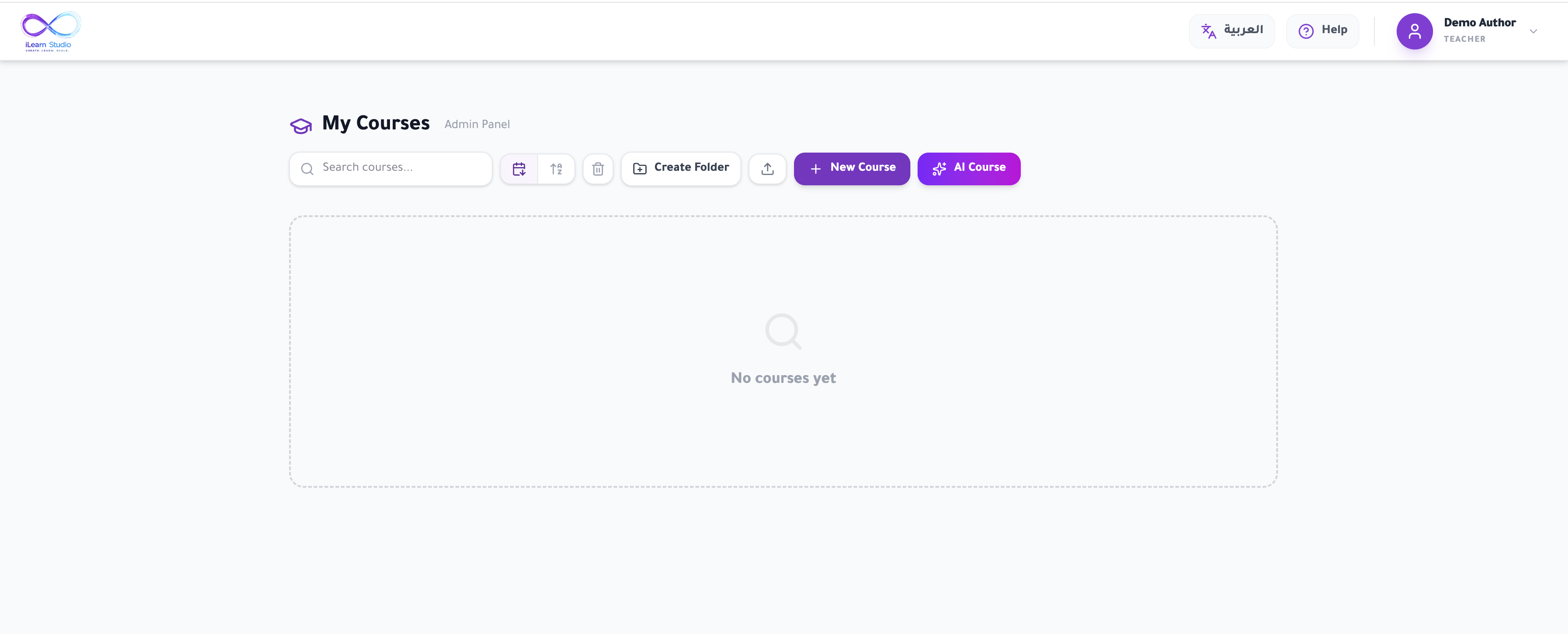
After you sign in, the dashboard shows all of your courses as cards. From here you can search, sort, organise courses into folders, and create new ones. Click any course card to open it in the editor.
On this page
- Search
- Find a course by typing part of its title.
- Sort
- Toggle between sorting by date and alphabetically (A–Z).
- Course card
- Click to open; each card also has icons to export, move to a folder, or delete.
- Folders
- Group related courses; use the breadcrumbs at the top to navigate in and out.